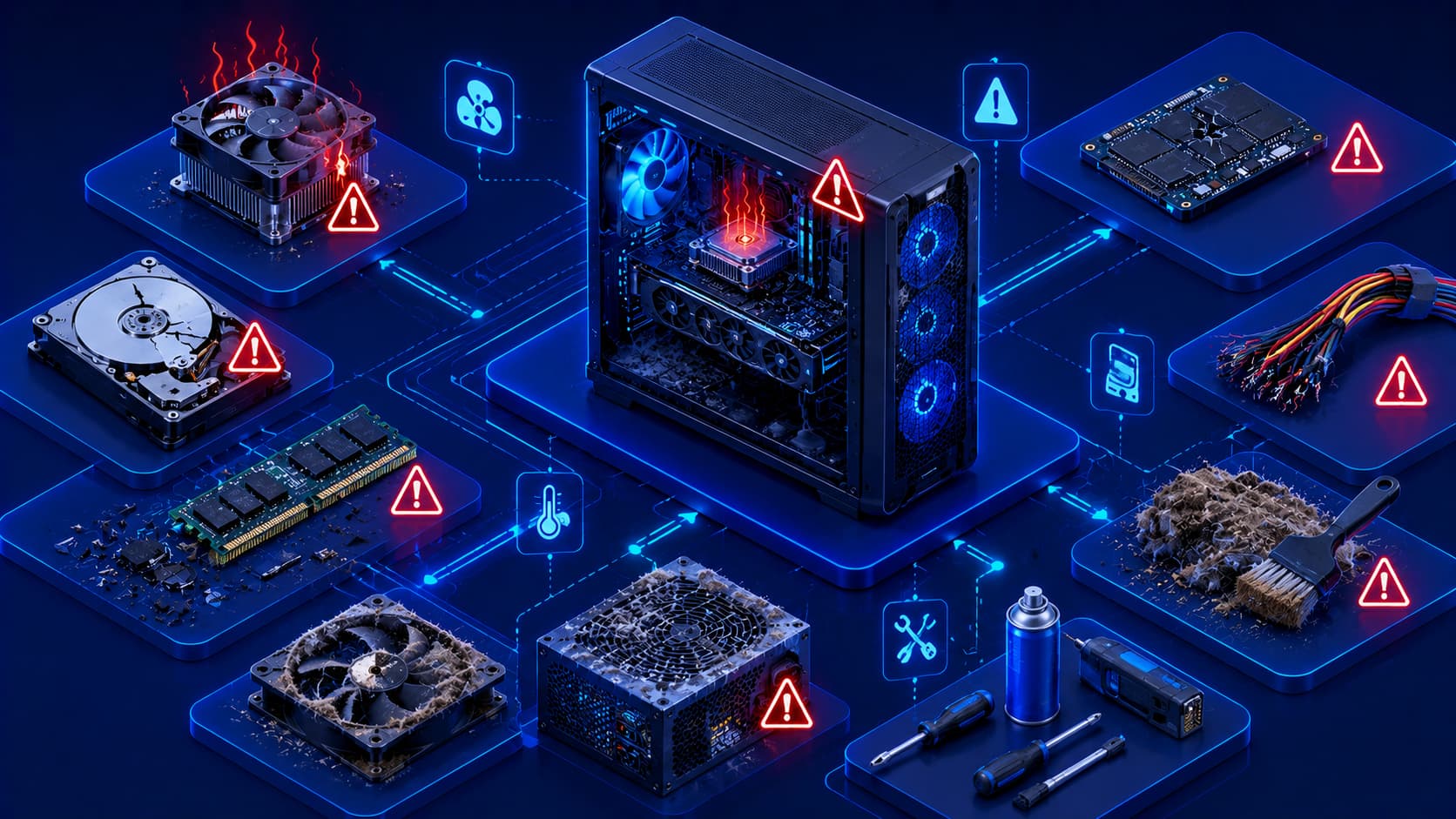
Modern computers are designed to operate reliably for many years.
However, like all physical equipment, hardware components experience wear over time.
Dust accumulates, cooling systems become less efficient, storage devices age, connectors loosen, and unexpected electrical problems can occur.
Fortunately, many hardware failures don't happen without warning.
Recognizing common symptoms early often allows users to address small issues before they develop into more serious problems.
While no maintenance routine can eliminate every hardware failure, adopting good habits can significantly improve reliability and extend the useful life of a computer.
Understanding common hardware problems also helps users determine when basic troubleshooting may solve an issue and when professional repair may be necessary.
1. Overheating
Heat is one of the most common factors affecting computer hardware.
Processors, graphics hardware, storage devices, and power components all generate heat during operation.
If cooling becomes inadequate, excessive temperatures may reduce performance or cause unexpected shutdowns.
Common causes include:
- Dust buildup.
- Blocked air vents.
- Poor airflow.
- High ambient temperatures.
- Heavy workloads.
Keeping cooling vents clear and ensuring adequate airflow helps reduce overheating.
2. Dust Accumulation
Dust may seem harmless, but it can gradually reduce cooling efficiency.
Over time, dust collects inside cooling fans, air filters, heatsinks, and ventilation openings.
This restricts airflow and increases operating temperatures.
Regular cleaning helps maintain proper airflow and supports long-term hardware reliability.
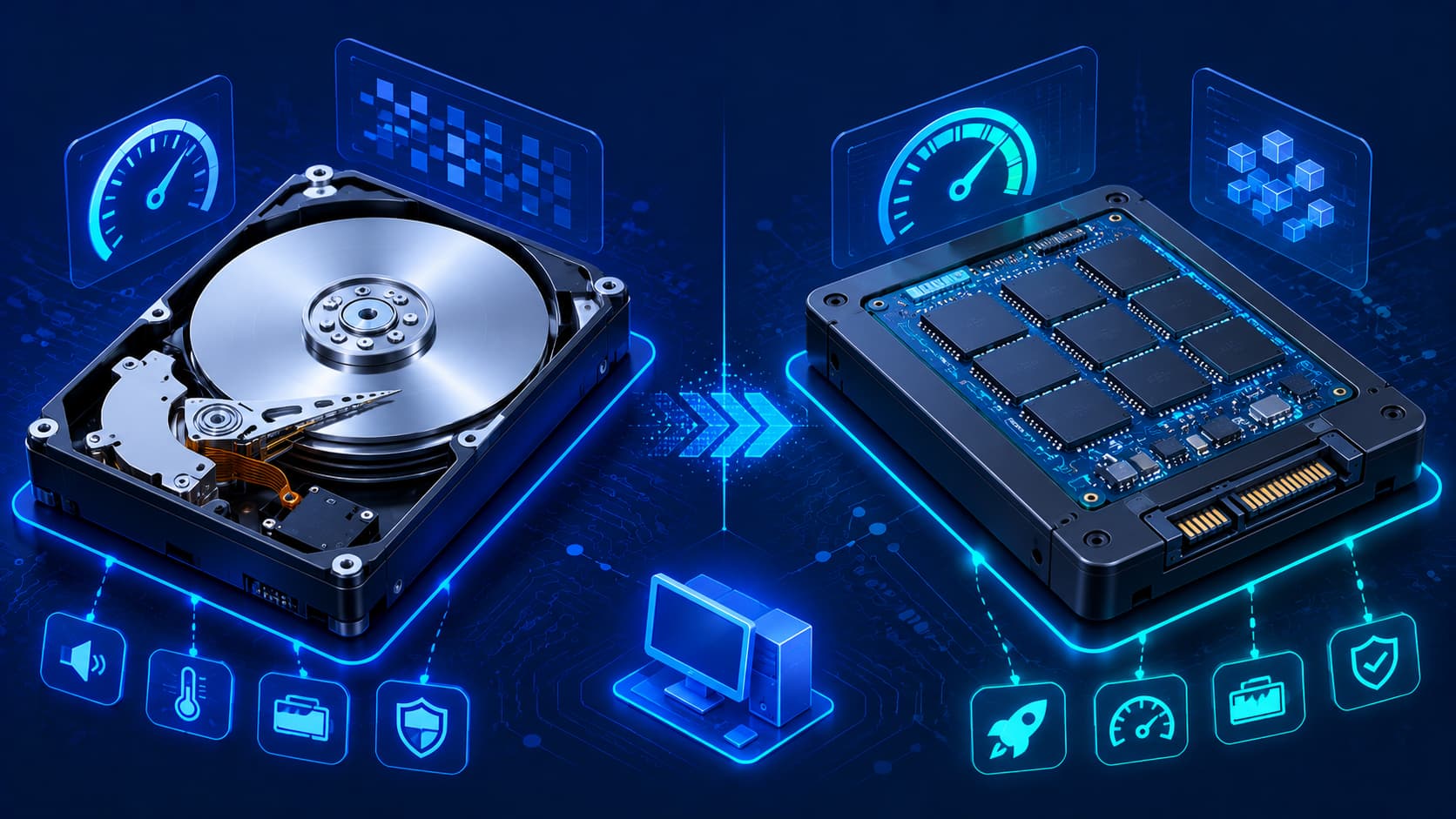
3. Storage Problems
Storage devices naturally experience wear throughout their lifespan.
Possible warning signs include:
- Slow file access.
- Applications taking longer to load.
- Unexpected read or write errors.
- Frequent operating system warnings.
Although many storage devices operate reliably for years, maintaining current backups remains essential because storage failures can occur unexpectedly.
4. Loose or Damaged Connections
Computers rely on many physical connections.
Power cables, display cables, storage connections, USB devices, and internal connectors may occasionally become loose.
A simple connection problem can sometimes produce symptoms that resemble major hardware failures.
Checking cable connections is often one of the first troubleshooting steps when diagnosing hardware issues.
5. Unexpected Power Problems
Power interruptions or unstable electrical conditions can affect computer operation.
Unexpected shutdowns may interrupt work or increase the risk of file corruption if unsaved changes are lost.
Using reliable power sources and shutting down computers properly helps reduce unnecessary stress on hardware components.
6. Battery Wear (Portable Devices)
Laptop batteries naturally lose capacity over time.
As batteries age, users may notice:
- Shorter battery life.
- Longer charging times.
- Unexpected shutdowns.
- Reduced performance under heavy workloads.
Although battery aging is normal, avoiding excessive heat and following good charging practices can help extend battery lifespan.
7. Cooling Fan Issues
Cooling fans play a critical role in maintaining safe operating temperatures.
Over time, fans may collect dust, become noisy, or wear mechanically.
Signs of potential fan problems include:
- Unusual grinding or rattling noises.
- Constant high fan speeds.
- Frequent overheating.
- Unexpected thermal shutdowns.
If cooling performance decreases significantly, the fan or cooling system may require inspection or maintenance.
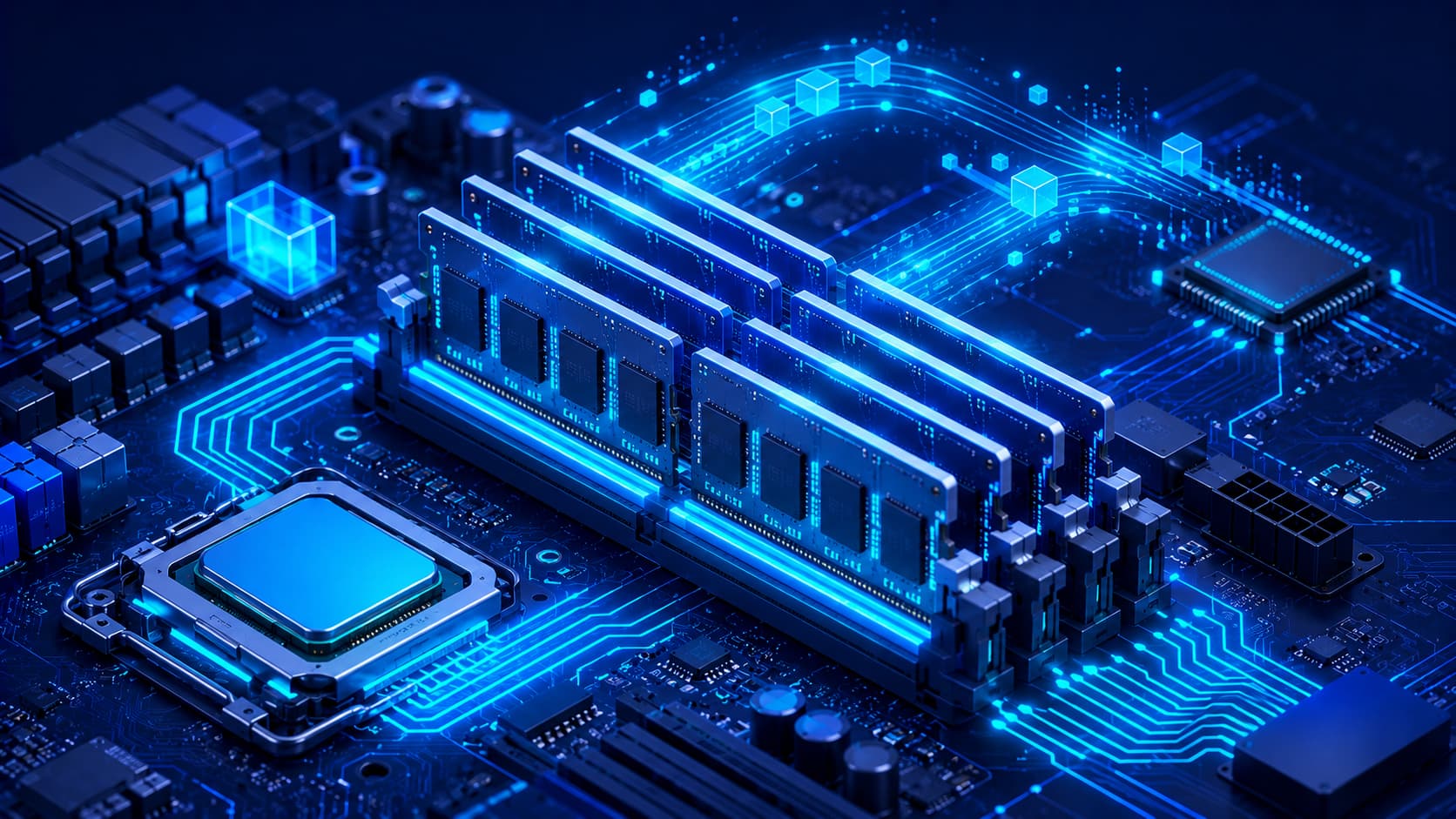
8. Memory-Related Problems
Although memory (RAM) is generally reliable, problems can occasionally occur.
Possible symptoms include:
- Random system crashes.
- Application instability.
- Unexpected restarts.
- Startup errors.
Because many issues can produce similar symptoms, memory should be evaluated alongside other hardware and software components during troubleshooting.
9. Peripheral Device Failures
External hardware such as keyboards, mice, printers, webcams, monitors, and USB devices may occasionally stop functioning correctly.
Potential causes include:
- Loose cables.
- Worn connectors.
- Driver-related issues.
- Physical damage.
- Power problems.
Testing the device on another computer or verifying cable connections can often help identify the source of the issue.
10. Physical Damage
Accidental drops, liquid spills, excessive force, or improper transportation can damage hardware components.
While some damage is immediately visible, internal components may also be affected even when the exterior appears normal.
Using protective cases, transporting devices carefully, and keeping liquids away from electronics can significantly reduce the risk of accidental damage.
Preventive Maintenance Matters
Many hardware problems can be minimized through regular maintenance.
Good practices include:
- Keeping the computer clean.
- Ensuring proper airflow.
- Installing hardware securely.
- Shutting down systems properly.
- Backing up important data.
- Protecting equipment from physical damage.
- Using stable electrical power.
- Monitoring unusual sounds or temperatures.
These simple habits often extend hardware lifespan while reducing unexpected downtime.
Common Misconceptions About Hardware Failures
Hardware Doesn't Usually Fail Without Warning
Although sudden failures do occur, many hardware components display warning signs before they stop functioning completely.
Recognizing unusual noises, overheating, slower performance, or repeated system instability can help users respond before the problem becomes more serious.
Slow Performance Doesn't Always Mean Hardware Failure
A slow computer is not necessarily experiencing a hardware problem.
Software issues, insufficient available storage, too many background applications, or outdated operating systems can also reduce performance.
Troubleshooting should consider both hardware and software.
New Hardware Still Requires Maintenance
Modern components are highly reliable, but they are not maintenance-free.
Keeping systems clean, ensuring adequate cooling, and using hardware responsibly remain important regardless of the computer's age.
Frequently Asked Questions
What is the most common hardware problem?
Overheating is one of the most common hardware-related issues because excessive heat can affect performance, stability, and long-term component reliability.
How can I reduce the risk of hardware failure?
Regular cleaning, proper ventilation, careful handling, stable power sources, and routine backups all help improve long-term reliability.
Can dust really damage a computer?
Dust itself is usually not harmful, but excessive dust can reduce airflow, increase operating temperatures, and contribute to overheating.
Should I replace hardware as soon as it becomes older?
Not necessarily.
Many hardware components continue operating reliably for years when properly maintained.
Replacement is generally based on performance needs, compatibility, or confirmed hardware failure.
Why are backups important if hardware seems healthy?
Hardware failures can occur unexpectedly.
Regular backups help protect important files regardless of the condition of the computer.
Conclusion
Computer hardware is designed for long-term reliability, but every physical component experiences wear over time.
Understanding common hardware problems—such as overheating, dust accumulation, storage issues, cooling failures, and power-related concerns—helps users recognize warning signs before they become serious failures.
Fortunately, many problems can be minimized through routine maintenance, careful handling, and good operating habits.
By keeping hardware clean, monitoring system health, maintaining reliable backups, and addressing small issues early, users can improve system stability, extend hardware lifespan, and reduce unexpected downtime.
In the next article, we'll explore hardware best practices, covering practical recommendations that help users maintain reliable, efficient, and long-lasting computer hardware.