Every time you open a web browser, edit a document, play a game, or watch a video, your computer needs quick access to large amounts of information.
Retrieving that information directly from long-term storage every time would be far too slow.
Instead, computers rely on a much faster type of memory known as Random Access Memory, or RAM.
RAM temporarily stores the data and instructions that the processor is actively using.
By keeping important information readily available, RAM allows applications to respond quickly and helps the computer switch efficiently between multiple tasks.
Although RAM works closely with the CPU, it serves a very different purpose.
The CPU performs calculations and executes instructions.
RAM provides the temporary workspace that allows those instructions to be processed efficiently.
Understanding how RAM works is essential for learning why computers perform differently under various workloads and why memory capacity can significantly affect the overall user experience.
What Is RAM?
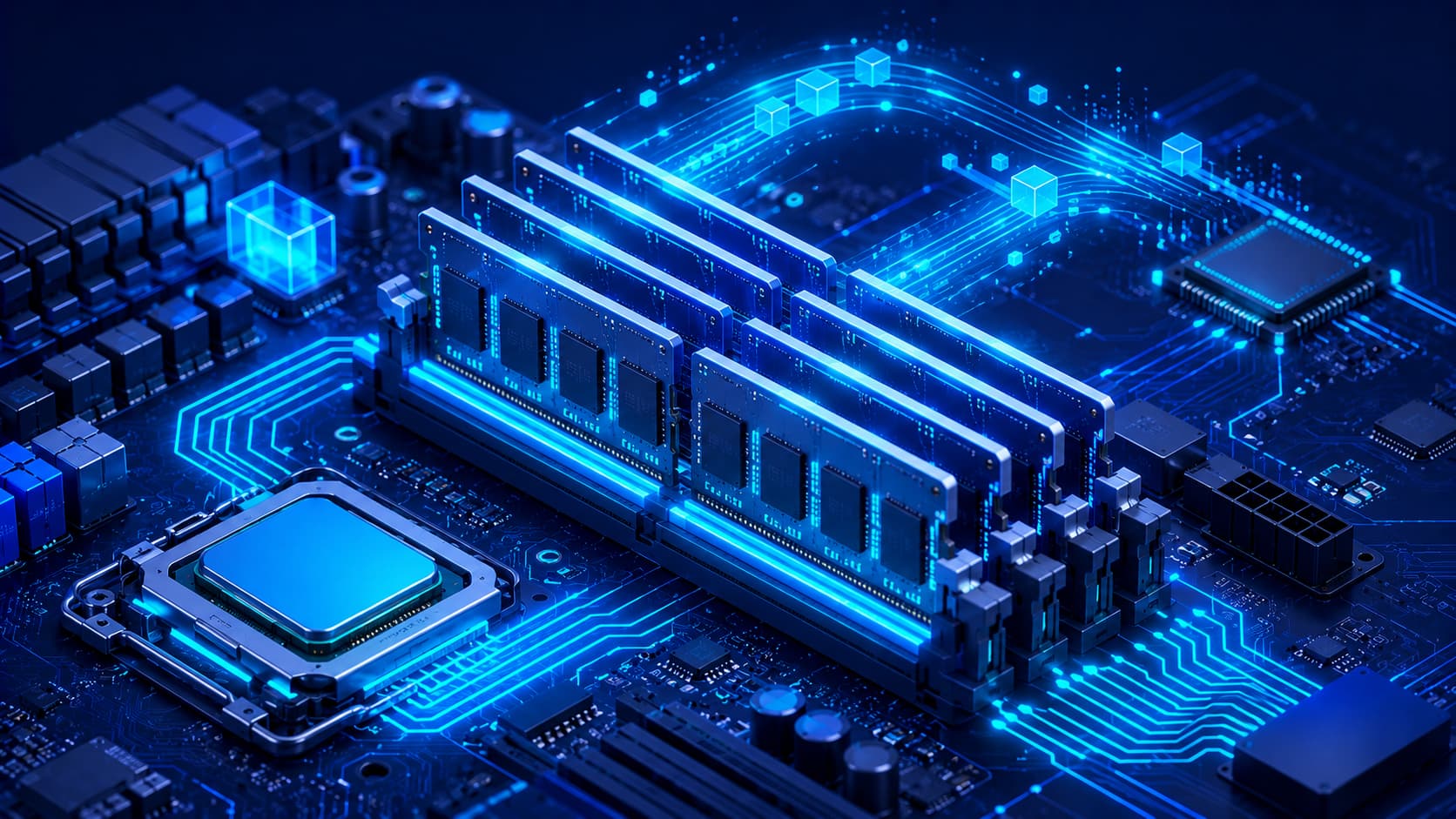
Random Access Memory (RAM) is a type of high-speed computer memory that temporarily stores the information currently needed by the processor.
Unlike long-term storage, RAM is designed for rapid access rather than permanent data retention.
Whenever applications are running, the operating system loads the necessary data into RAM so the CPU can retrieve it quickly.
Because RAM operates at much higher speeds than storage devices, it helps reduce delays and improves application responsiveness.
When the computer is powered off, however, the information stored in RAM is generally cleared.
Why Is RAM Important?
RAM allows computers to work efficiently with active data.
Without sufficient memory, the processor would need to retrieve information from storage much more frequently, reducing performance.
Additional RAM often improves multitasking because more applications and data can remain readily available at the same time.
This helps users switch between programs more smoothly while reducing delays caused by repeated data transfers.
Although RAM alone cannot make every computer dramatically faster, it plays an essential role in overall system performance.
How RAM Works
When you launch an application, the operating system loads the necessary program files and active data into RAM.
The CPU then retrieves instructions and information from memory as needed.
As you continue working, RAM constantly updates its contents to reflect the applications and files currently in use.
When an application is closed, much of the memory it was using becomes available for other tasks.
This continuous cycle allows computers to manage multiple applications efficiently while maintaining responsive performance.
RAM and the CPU
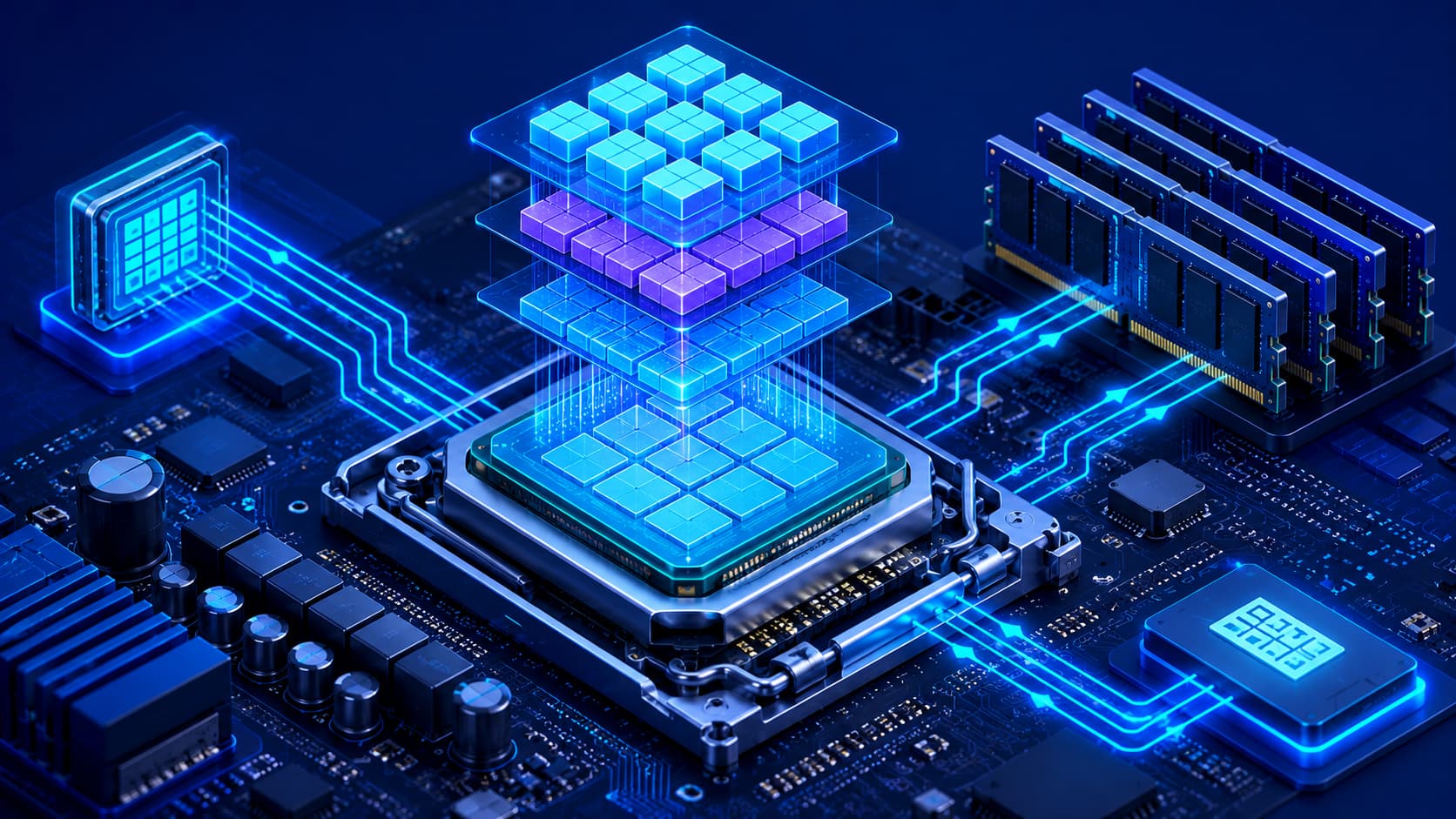
RAM and the CPU work together continuously.
The CPU executes instructions.
RAM supplies those instructions and the associated data quickly enough to keep the processor working efficiently.
If RAM were significantly slower, the processor would spend more time waiting for information instead of performing useful work.
For this reason, memory performance has a direct influence on overall computing responsiveness.
RAM vs Storage
One of the most common misconceptions is that RAM and storage perform the same function.
Although both hold data, they serve very different purposes.
RAM is designed for temporary, high-speed access.
Storage is designed for long-term data retention.
When you save a document, it is written to storage.
When you open that document, the operating system loads it into RAM so the CPU can work with it efficiently.
Once the computer is turned off, the contents of RAM are typically erased, while the document remains safely stored on the storage device.
Understanding this distinction helps explain why adding more RAM is different from increasing storage capacity.
How RAM Affects Performance
RAM has a significant impact on how smoothly a computer performs everyday tasks.
When sufficient memory is available, applications can remain active without constantly transferring data between RAM and storage.
This improves responsiveness, especially when:
- Running multiple applications simultaneously.
- Working with large documents.
- Editing photos or videos.
- Developing software.
- Using virtual machines.
- Keeping many browser tabs open.
If available memory becomes limited, the operating system may rely more heavily on storage as temporary working space.
Because storage is generally much slower than RAM, this can reduce overall system responsiveness.
Modern Computers Use RAM Efficiently
Today's operating systems are designed to manage memory automatically.
Rather than leaving RAM empty, they often use available memory to cache frequently accessed data and improve application loading times.
As different programs are opened and closed, memory is continuously allocated and released based on current demand.
This dynamic management allows modern computers to make efficient use of available RAM while supporting many simultaneous tasks.
Types of RAM
Over the years, computer memory has evolved considerably.
Modern systems use different generations of RAM with improvements in speed, efficiency, and capacity.
Although specific technologies continue to evolve, the fundamental purpose remains the same:
Providing the processor with fast access to active data.
For most users, understanding what RAM does is more important than memorizing the technical differences between memory generations.
Can You Upgrade RAM?
Many desktop computers allow users to increase memory capacity by installing additional RAM modules.
Some laptops also support memory upgrades, although others have memory permanently integrated into the system.
Whether a device can be upgraded depends on its hardware design.
Before upgrading memory, users should verify compatibility with their computer's motherboard and supported memory specifications.
Common Misconceptions About RAM
More RAM Doesn't Automatically Make Every Computer Faster
Installing additional RAM can improve performance when memory is a limiting factor.
However, if the computer already has enough memory for its workload, adding significantly more RAM may produce little noticeable improvement.
Overall performance also depends on the processor, storage, graphics hardware, and software optimization.
RAM Is Not Permanent Storage
Many beginners confuse RAM with storage devices.
RAM temporarily stores active information while the computer is running.
Long-term files remain stored on dedicated storage devices even after the computer is powered off.
Clearing RAM Isn't Usually Necessary
Some users believe they must manually "clear RAM" regularly.
Modern operating systems automatically manage memory allocation and recovery.
In most situations, users don't need to manage RAM manually.
Frequently Asked Questions
What is RAM in simple terms?
RAM is temporary high-speed memory that stores the information your computer is actively using so the processor can access it quickly.
Why is RAM important?
RAM improves application responsiveness and allows computers to run multiple tasks efficiently by providing fast access to active data.
Does more RAM always improve performance?
Not always.
Additional RAM helps when memory is limited, but other hardware components also influence overall system performance.
What's the difference between RAM and storage?
RAM temporarily stores active data while the computer is running.
Storage permanently keeps operating systems, applications, and personal files even after the computer is turned off.
Does RAM lose data when the computer is powered off?
Yes.
Standard RAM is volatile memory, meaning its contents are generally cleared when power is removed.
Conclusion
Random Access Memory is one of the most important components in modern computing.
By providing fast temporary storage for active applications and data, RAM enables processors to work efficiently while supporting multitasking and responsive software performance.
Although RAM is often discussed alongside processors and storage devices, its role is unique.
It serves as the computer's temporary workspace, allowing information to be accessed much more quickly than long-term storage alone.
Understanding how RAM works helps explain why memory capacity influences everyday computing performance and why RAM remains a key component of every modern computer.
In the next article, we'll compare Hard Disk Drives (HDDs) and Solid-State Drives (SSDs), exploring how each storage technology works, their advantages, limitations, and which type is best suited for different computing needs.