Home Artificial Intelligence Cloud & DevOps Cybersecurity Hardware Programming Software
About Contact

Technology

8 Articles Found

Browse all articles tagged with Technology.

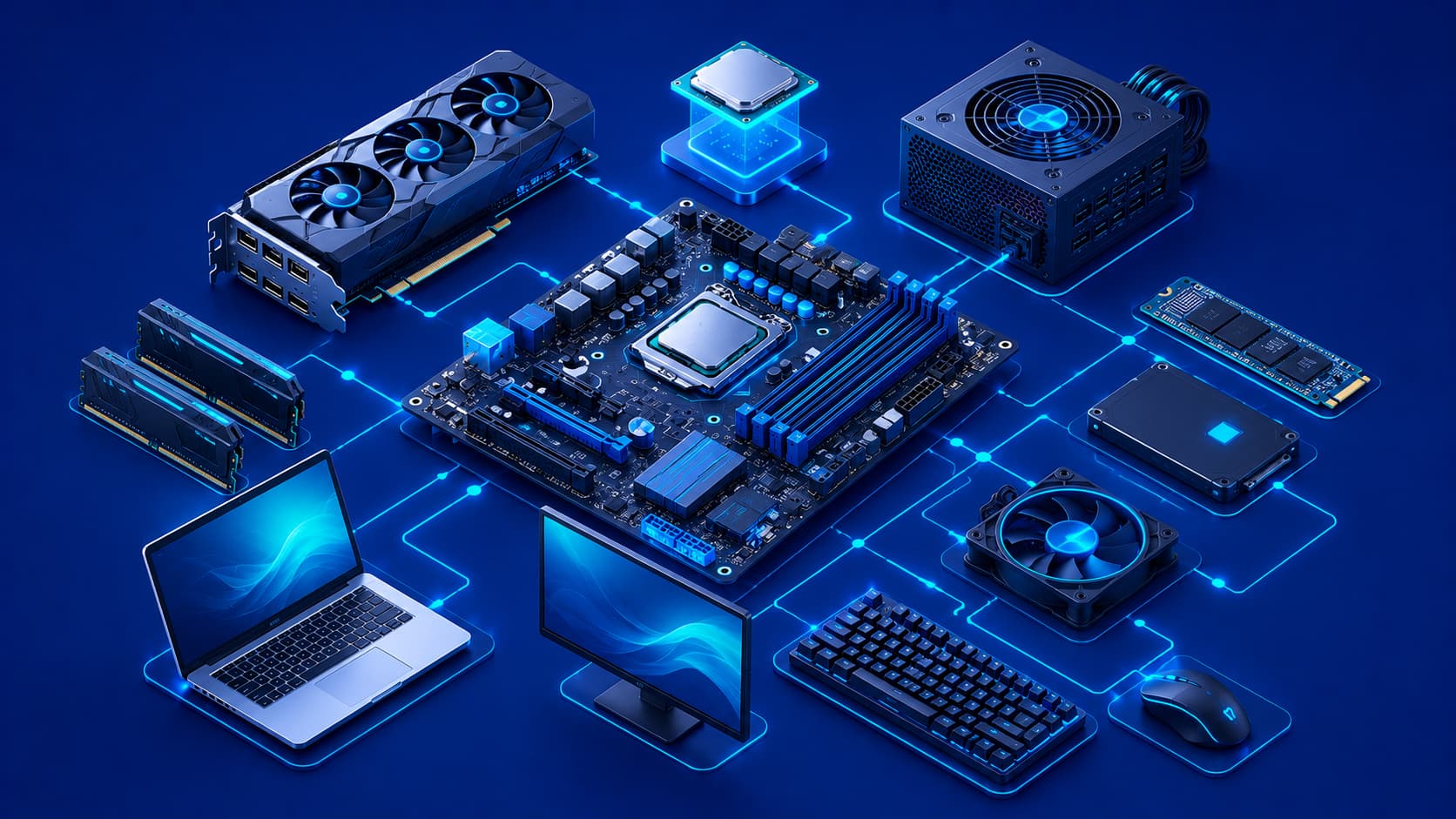
Illustration showing the main hardware components of a modern computer.
Hardware

What Is Computer Hardware? A Beginner's Guide

Computer hardware includes the physical components that make digital devices function. From processors and memory to storage devices and peripherals, hardware provides the foundation that allows software to run and users to interact with technology.
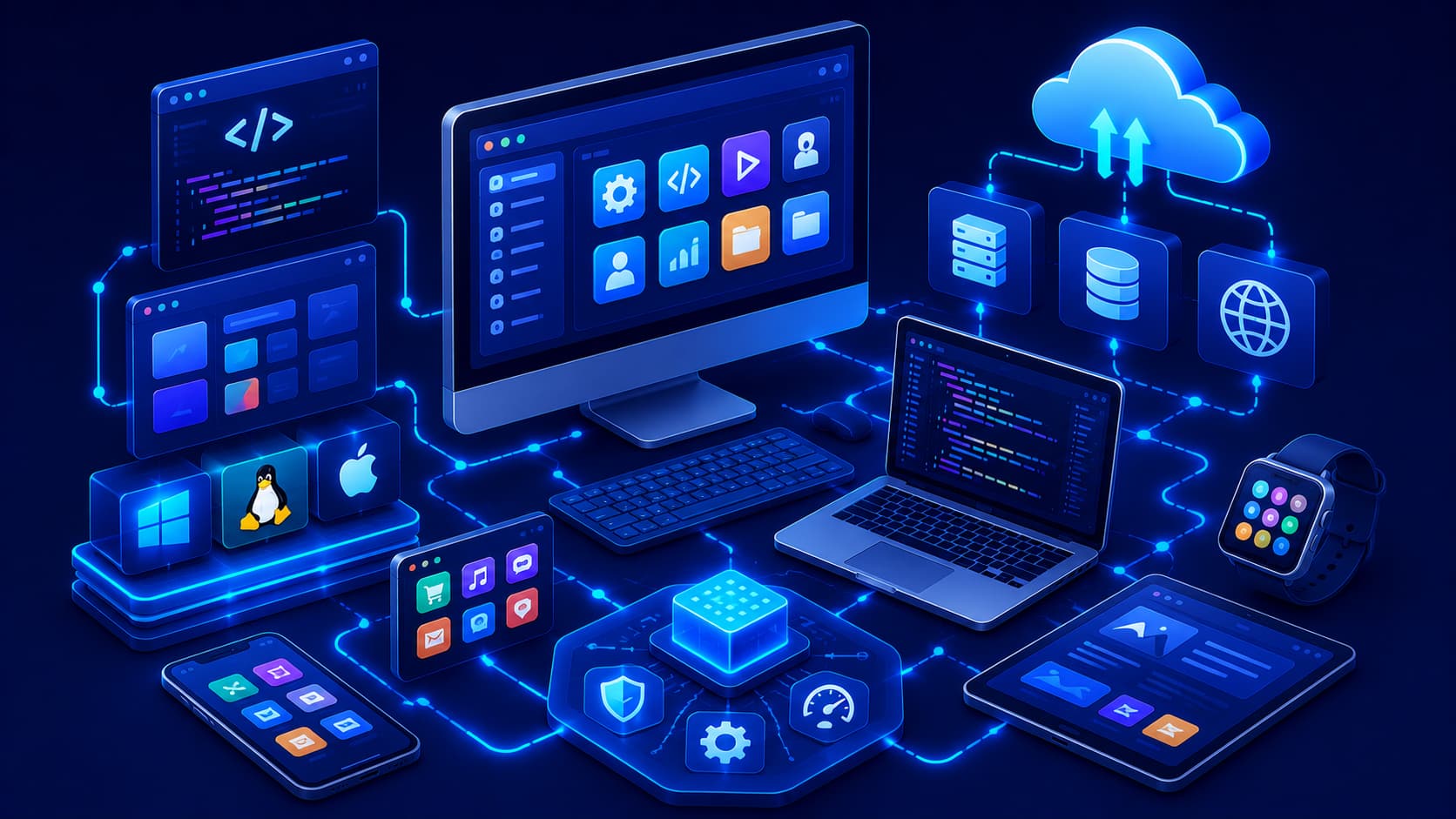
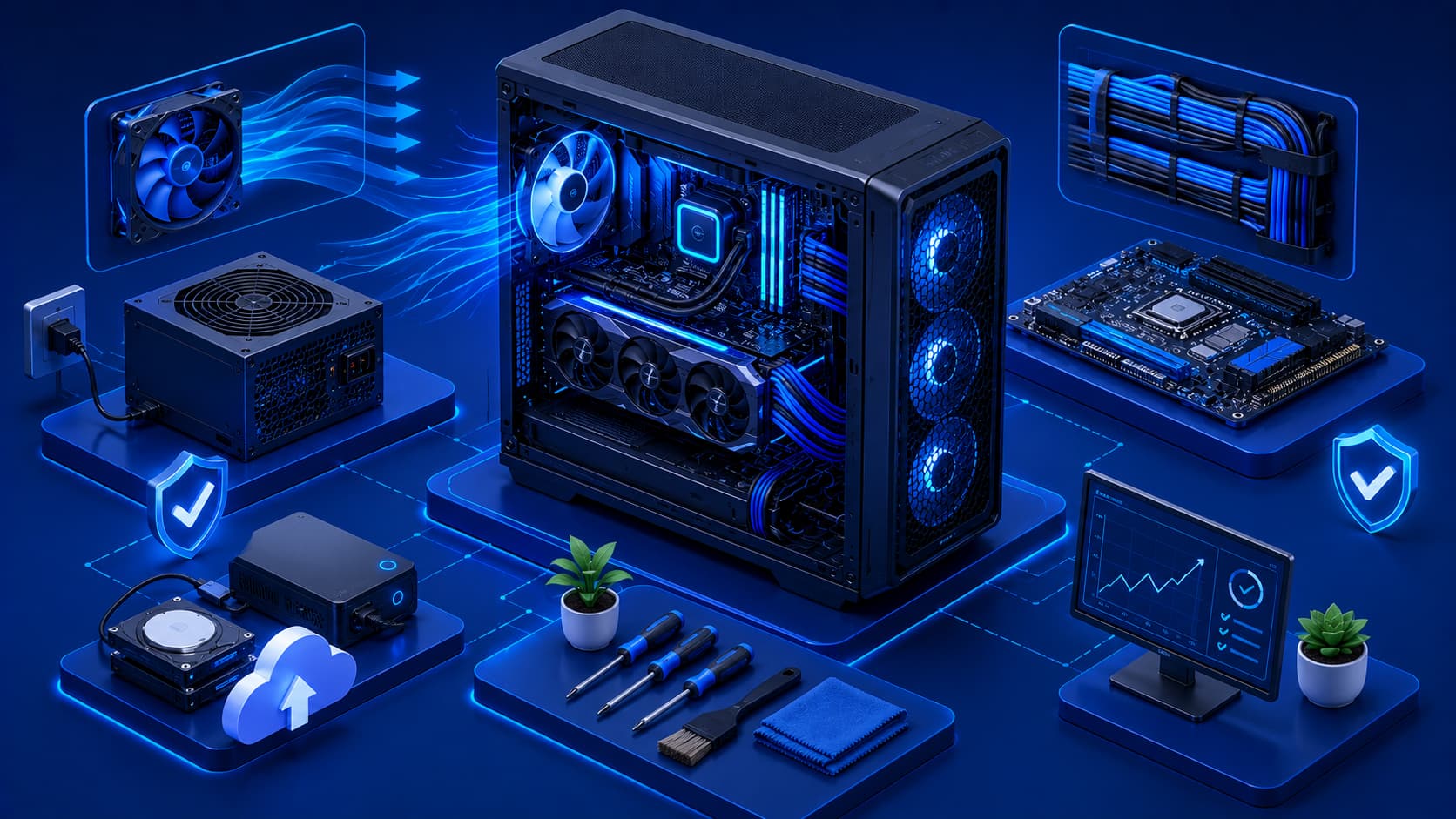
Illustration showing software powering computers, mobile devices, and digital services.
Software

What Is Software? A Beginner's Guide

Software is the invisible layer that makes modern technology useful. From operating systems and mobile apps to cloud services and business tools, software enables computers and devices to perform tasks, solve problems, and power the digital experiences we rely on every day.

Illustration showing best practices for maintaining modern computer hardware.
Hardware

Hardware Best Practices Every Computer User Should Follow

Good hardware habits can improve performance, reduce failures, and extend the lifespan of computers and other digital devices. Regular maintenance, proper cooling, safe handling, and responsible usage all contribute to long-term reliability.

Illustration showing how to evaluate and choose the right software for different needs.
Software

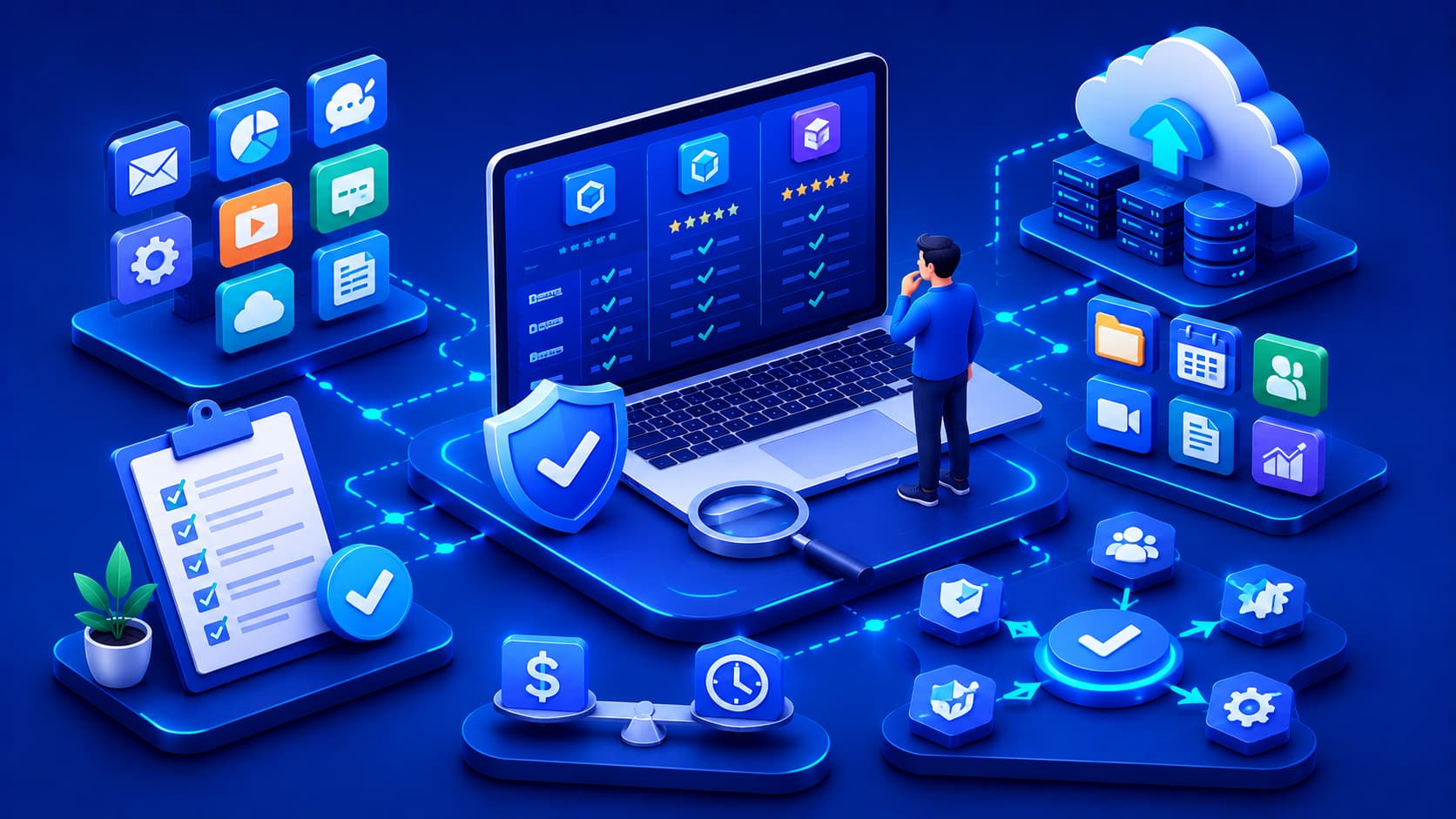
How to Choose the Right Software for Your Needs

Choosing software involves more than comparing features or prices. Understanding compatibility, security, usability, support, and long-term value helps individuals and organizations select software that meets their needs both today and in the future.

Illustration showing common software mistakes affecting performance and security.
Software

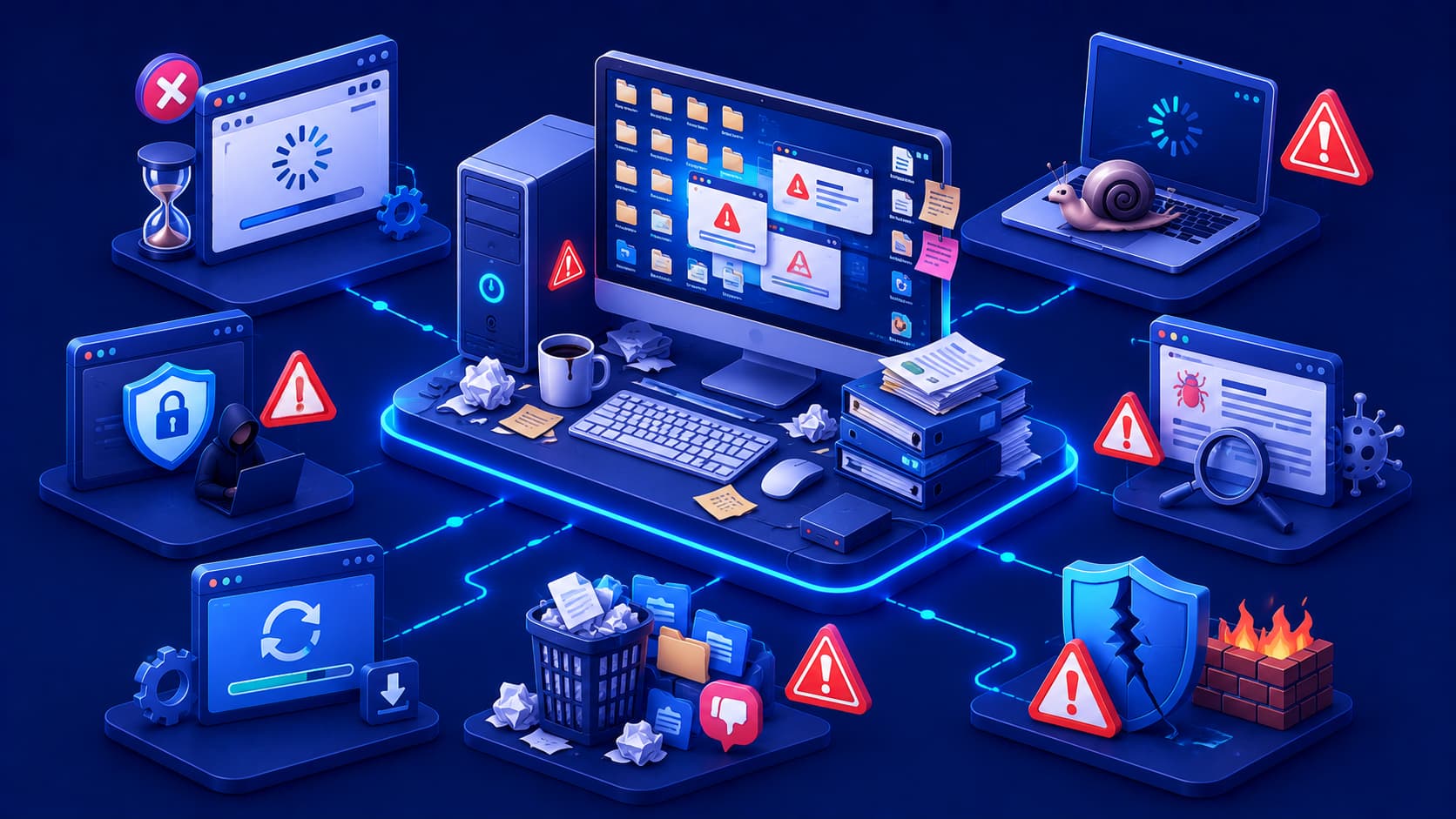
10 Common Software Mistakes Users Make

Many software problems are caused by everyday user habits rather than software defects. Learning to avoid common mistakes can improve performance, enhance security, and help your devices remain reliable over time.

Illustration comparing desktop applications, web applications, and mobile applications.
Software

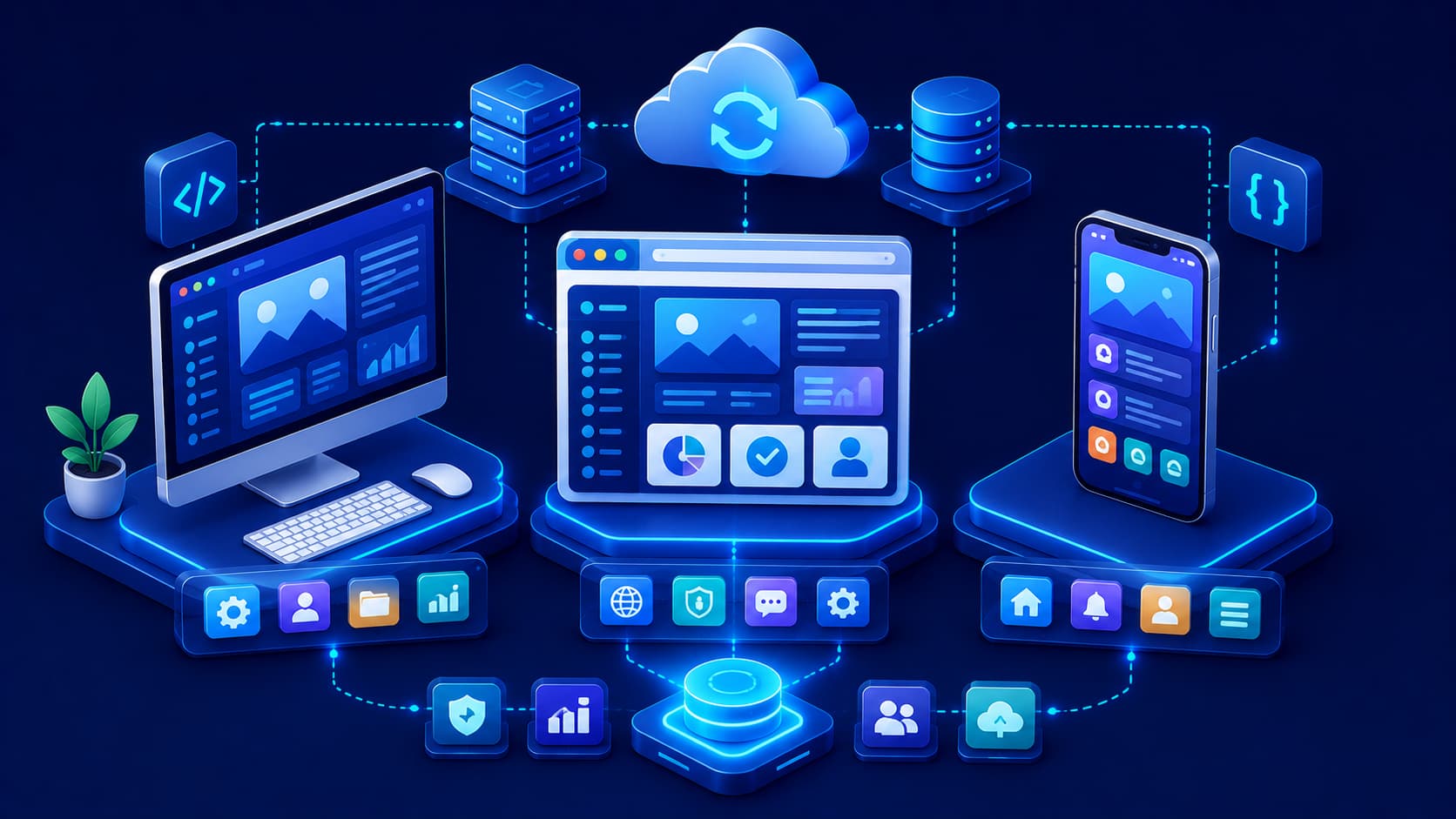
Desktop Apps vs Web Apps vs Mobile Apps Explained

Desktop apps, web apps, and mobile apps all help users accomplish digital tasks, but they run on different platforms and are designed for different experiences. Understanding these differences makes it easier to choose the right software for your needs.

Illustration showing proprietary software protected by licensing and controlled development.
Software

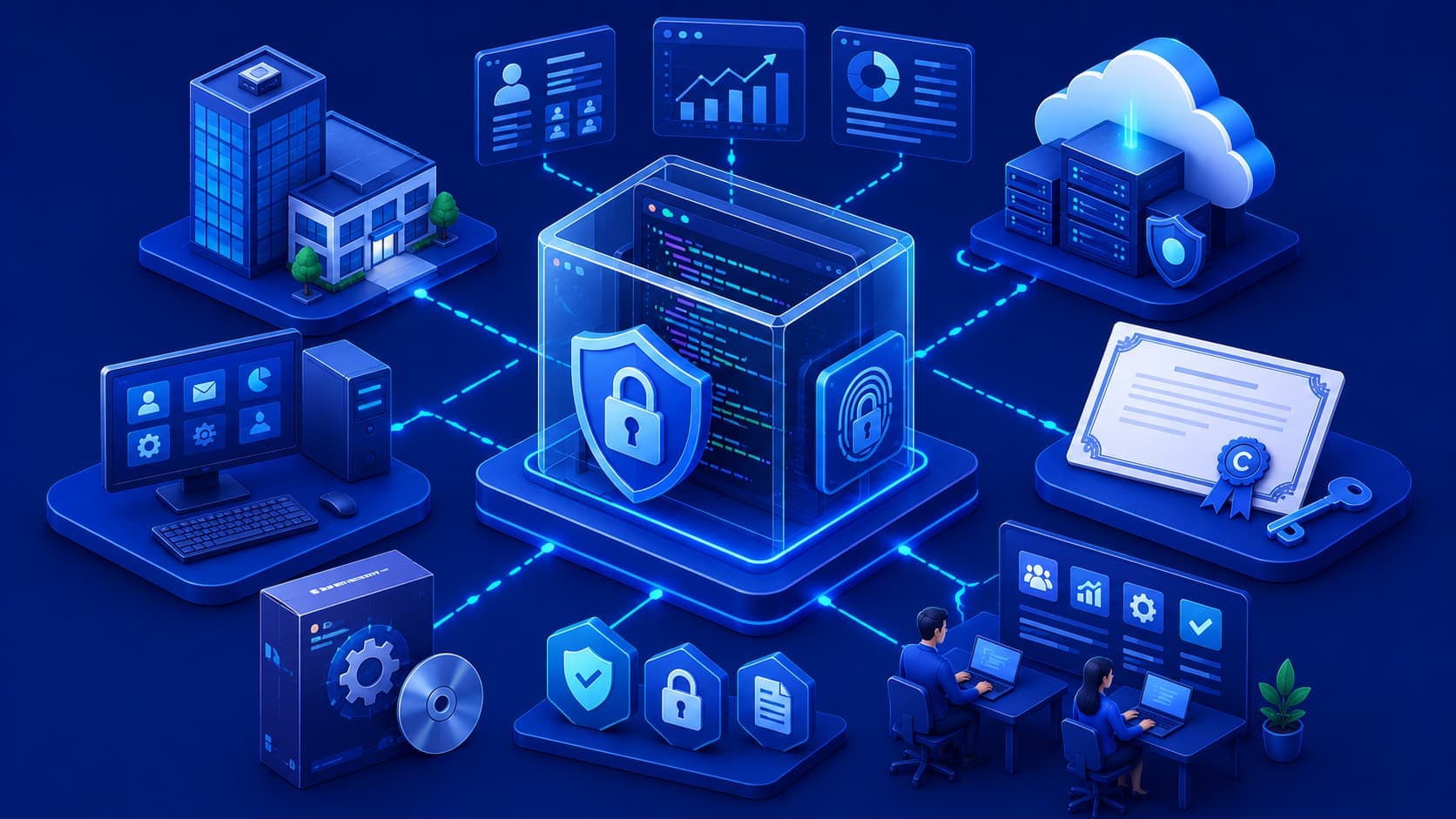
What Is Proprietary Software? A Beginner's Guide

Proprietary software is developed and controlled by its owner, with source code that is generally not available to the public. It remains one of the most common software distribution models for consumer, business, and enterprise applications.

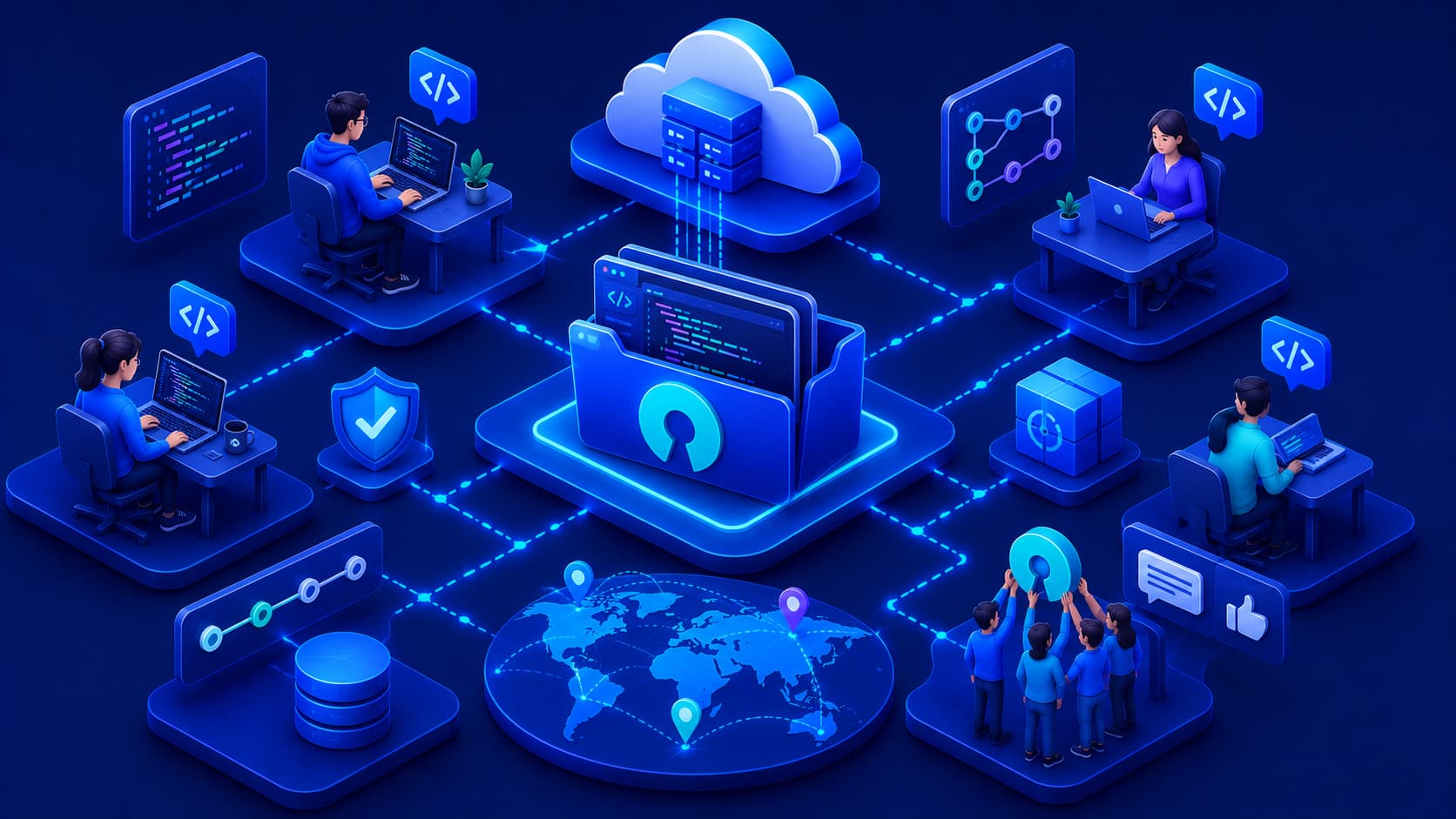
Illustration showing developers collaborating on open source software projects.
Software

What Is Open Source Software? A Beginner's Guide

Open source software allows people to view, study, modify, and improve source code. This collaborative approach has shaped many of today's most important technologies, encouraging innovation, transparency, and community-driven software development.

Stay Updated With AI & Technology

Get the latest articles and industry trends.

Independent Technology Publication