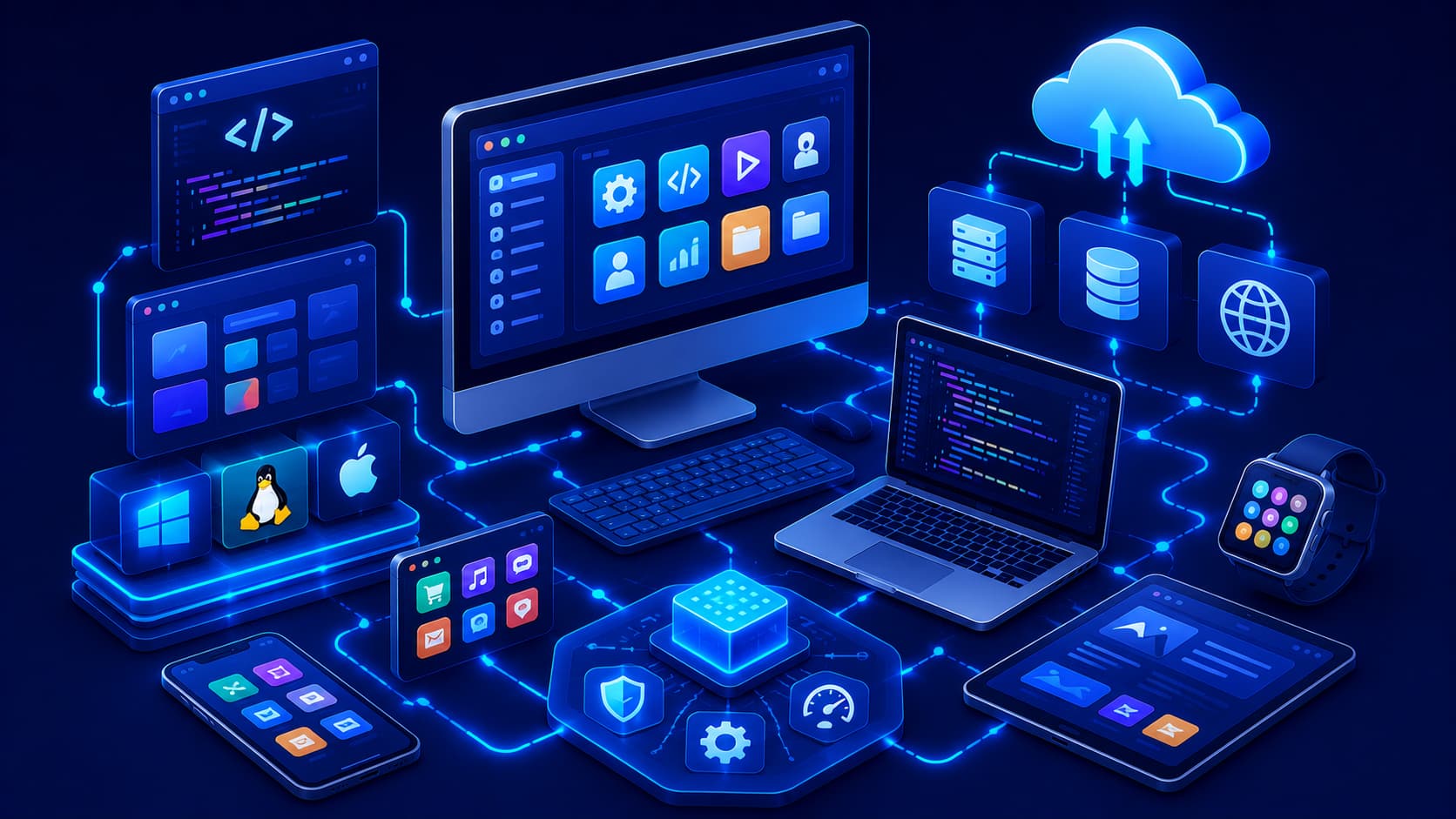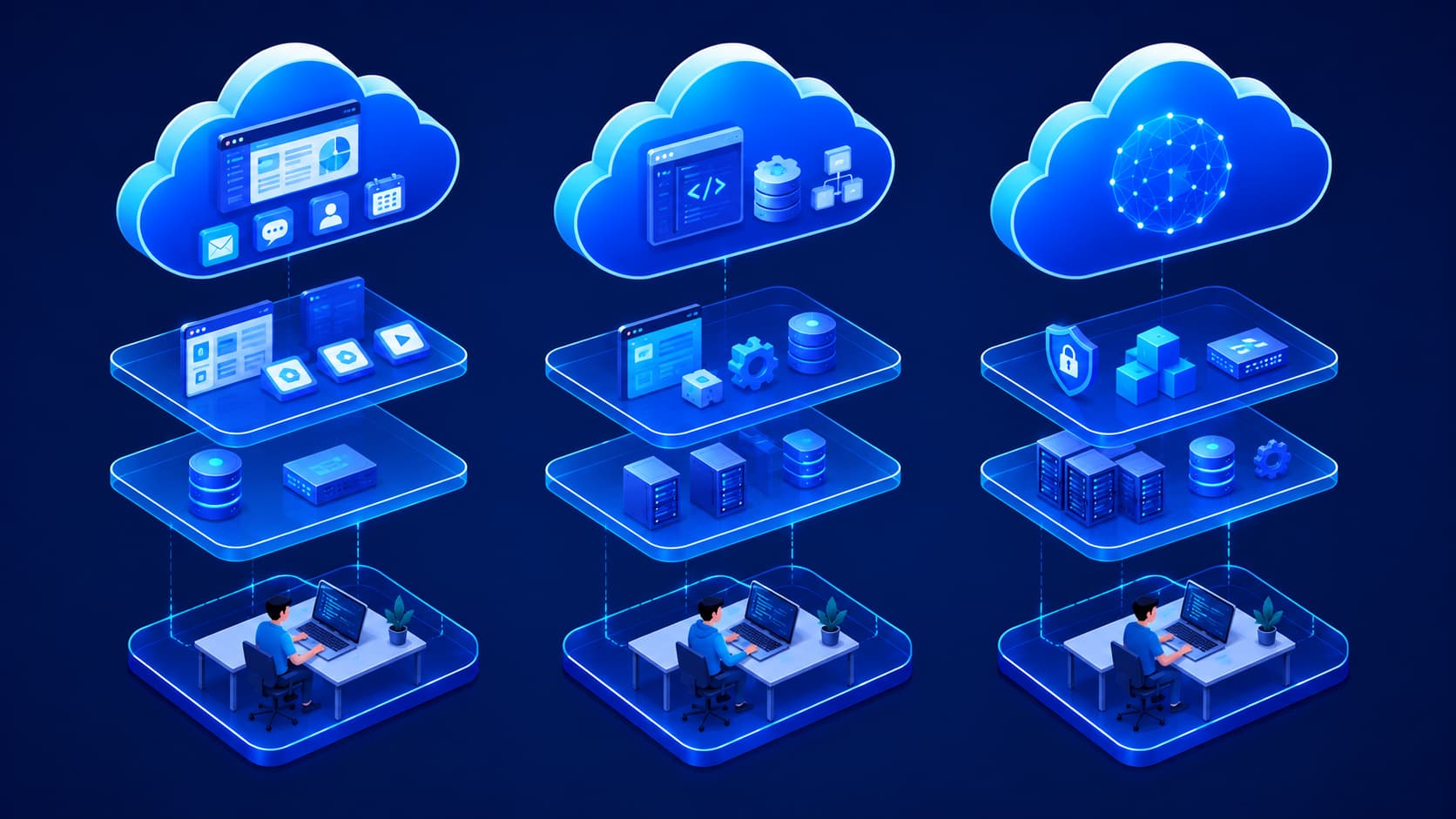
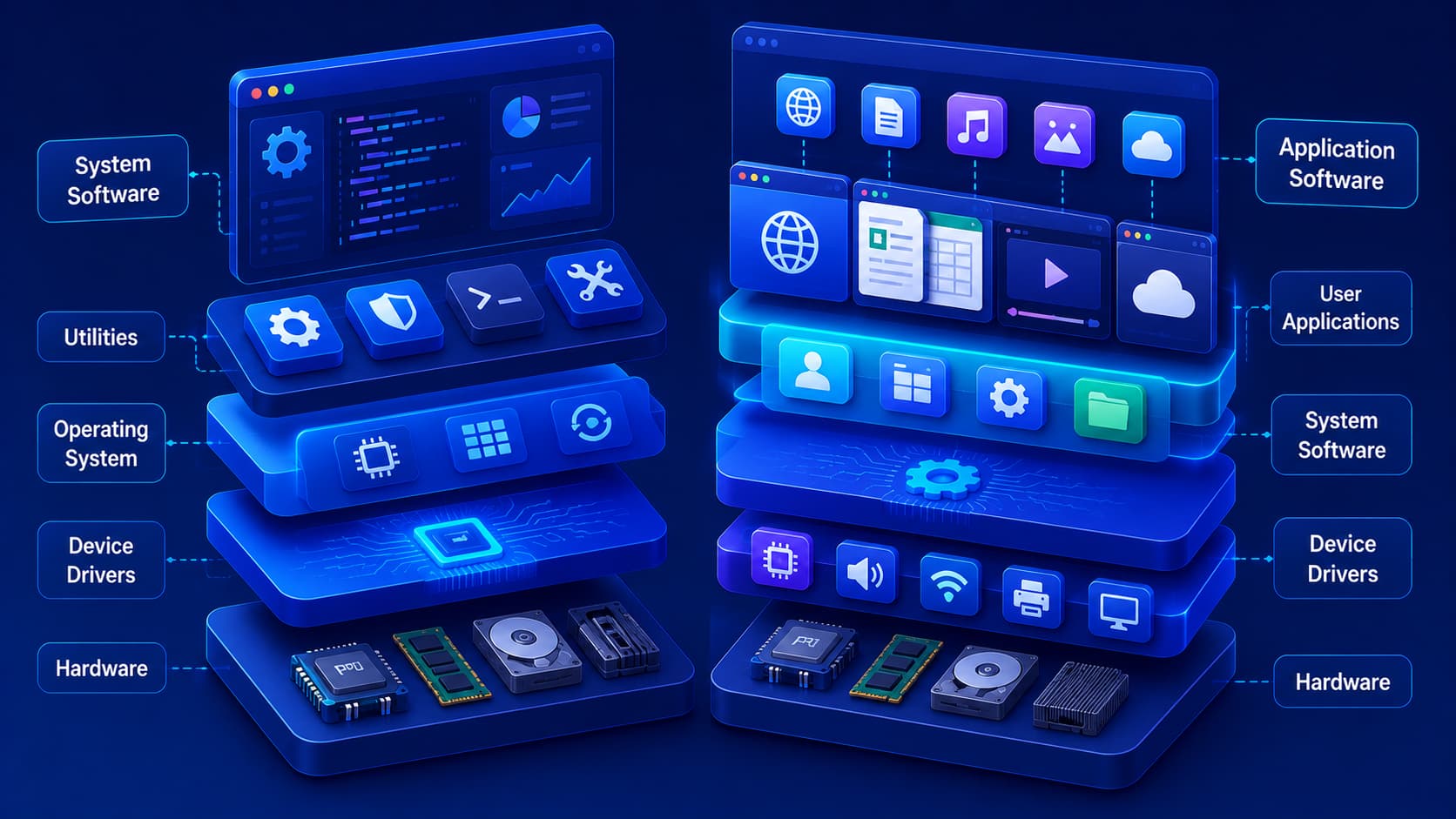
Every time you use a computer or smartphone, multiple types of software are working together behind the scenes.
You might open a web browser to search the internet, edit a document, or watch a video.
Those activities feel simple because different layers of software are cooperating seamlessly.
Most users only interact with the applications they launch.
However, those applications depend on another layer of software that's already running long before the first program opens.
Understanding the difference between these two layers is one of the most important computer concepts for beginners.
They are known as system software and application software.
Although both are essential, they perform very different roles.
System software manages the computer itself, while application software helps users complete specific tasks.
Together, they create the experience we expect from modern digital devices.
What Is System Software?
System software is responsible for operating and managing the computer.
It provides the foundation that allows hardware and applications to work together.
Without system software, a computer wouldn't know how to communicate with its processor, memory, storage devices, keyboard, display, or network hardware.
The most familiar example of system software is the operating system.
It starts when the device powers on and remains active while the computer is running.
In addition to operating systems, system software also includes components such as device drivers and utility programs that help maintain the system.
Although users don't interact with these components as often as regular applications, they are essential for the computer to function properly.
What Is Application Software?
Application software is designed to help users perform specific tasks.
Unlike system software, which focuses on managing the computer itself, application software focuses on helping people accomplish something.
Examples include:
- Writing documents.
- Browsing the web.
- Editing photos.
- Watching videos.
- Sending emails.
- Managing finances.
- Joining online meetings.
Each application is created for a particular purpose.
Some improve productivity, others provide entertainment, communication, education, or creative tools.
Most of the software people install on their devices belongs to this category.
How They Work Together
System software and application software aren't competitors.
They're partners.
Imagine a theater production.
The actors perform on stage where the audience can see them.
Behind the scenes, the lighting, sound, stage crew, and technical equipment make the performance possible.
Application software is like the actors.
System software is the backstage team.
Users mainly interact with applications, but those applications depend on the operating system and other system software to access hardware resources and perform their work.
Without that underlying support, applications simply couldn't run.
Why Both Types Are Essential
A computer with only system software wouldn't be very useful to most people.
It could manage hardware, but there would be few practical tasks for users to perform.
On the other hand, application software cannot function without the services provided by system software.
One layer creates the environment.
The other delivers the functionality users actually need.
This partnership is what makes modern computers, smartphones, tablets, and other digital devices so versatile.
Examples of System Software
Although system software works mostly behind the scenes, it performs many essential functions that keep a device operating smoothly.
Some common examples include:
Operating Systems
An operating system manages the computer's hardware resources and provides the platform on which applications run.
It controls memory, storage, processors, file systems, and user interactions while coordinating communication between software and hardware.
Without an operating system, using a modern computer would be extremely difficult.
Device Drivers
A device driver allows the operating system to communicate with specific hardware components.
For example, printers, graphics cards, keyboards, network adapters, and storage devices all rely on drivers so the operating system can use their capabilities correctly.
Utility Software
Utility programs help maintain and optimize a computer.
Examples include disk management tools, backup utilities, file compression software, and security utilities.
Although users may only open these tools occasionally, they play an important role in maintaining system health.
Examples of Application Software
Application software is much more visible because it's designed for everyday use.
Different applications are created for different purposes.
Some common categories include:
Productivity Software
Applications for writing documents, creating spreadsheets, making presentations, taking notes, and managing projects all belong to this category.
These tools help individuals and businesses complete daily work more efficiently.
Communication Software
Messaging applications, email clients, video conferencing platforms, and collaboration tools allow people to communicate and work together regardless of location.
Creative Software
Graphic design tools, video editors, music production software, and 3D modeling applications support creative professionals and hobbyists alike.
Entertainment Software
Streaming platforms, media players, and video games provide digital entertainment across computers, smartphones, and gaming devices.
Can One Device Run Without Application Software?
Technically, yes.
A computer can boot into its operating system and perform basic system functions even without additional applications installed.
However, most users would find it difficult to accomplish meaningful work.
Without application software, there would be no web browser, office suite, messaging platform, media player, or photo editor.
Likewise, installing application software without a functioning operating system wouldn't work because applications depend on system software to access hardware and system resources.
Both layers are necessary for a complete computing experience.
Common Misconceptions
The Operating System Is Not Every Piece of Software
Some people assume everything installed on a computer is part of the operating system.
In reality, the operating system is only one type of system software.
Most applications installed afterward operate independently while relying on the operating system for core services.
Applications Cannot Replace System Software
Even the most advanced application cannot manage hardware directly without support from the operating system.
System software provides the environment that applications need to function safely and efficiently.
System Software Doesn't Mean "Invisible"
Although much of it works in the background, users regularly interact with system software through settings, file managers, update tools, and system configuration panels.
Not every part of system software is hidden from view.
Frequently Asked Questions
What is the main difference between system software and application software?
System software manages the computer and its hardware, while application software helps users perform specific tasks such as browsing the web, editing documents, or communicating online.
Is an operating system considered system software?
Yes.
An operating system is one of the most important examples of system software because it manages hardware resources and provides the platform for running applications.
Can application software run without system software?
No.
Application software depends on system software to access hardware, memory, storage, networking, and other essential system resources.
Which type of software do users interact with most?
Most users spend the majority of their time interacting with application software, while system software operates largely in the background.
Why do both types of software matter?
System software provides the foundation for computing, while application software enables users to accomplish practical tasks.
Together, they create the complete computing experience.
Conclusion
System software and application software serve different but equally important purposes.
System software manages the computer itself, coordinating hardware resources and creating the environment that applications need to operate.
Application software builds on that foundation by helping users complete everyday tasks, from browsing the internet to editing documents and communicating with others.
Understanding this distinction makes it easier to see how modern computers function as layered systems rather than collections of unrelated programs.
As you continue exploring software concepts, you'll discover that the operating system plays a particularly important role in this relationship.
In the next article, we'll take a closer look at operating systems, exploring how they manage hardware, allocate resources, and provide the foundation for virtually every computing device we use today.