For many years, passwords were considered the first and most important line of defense for online accounts.
If your password was strong and difficult to guess, you were generally considered well protected.
Today, that's no longer the case.
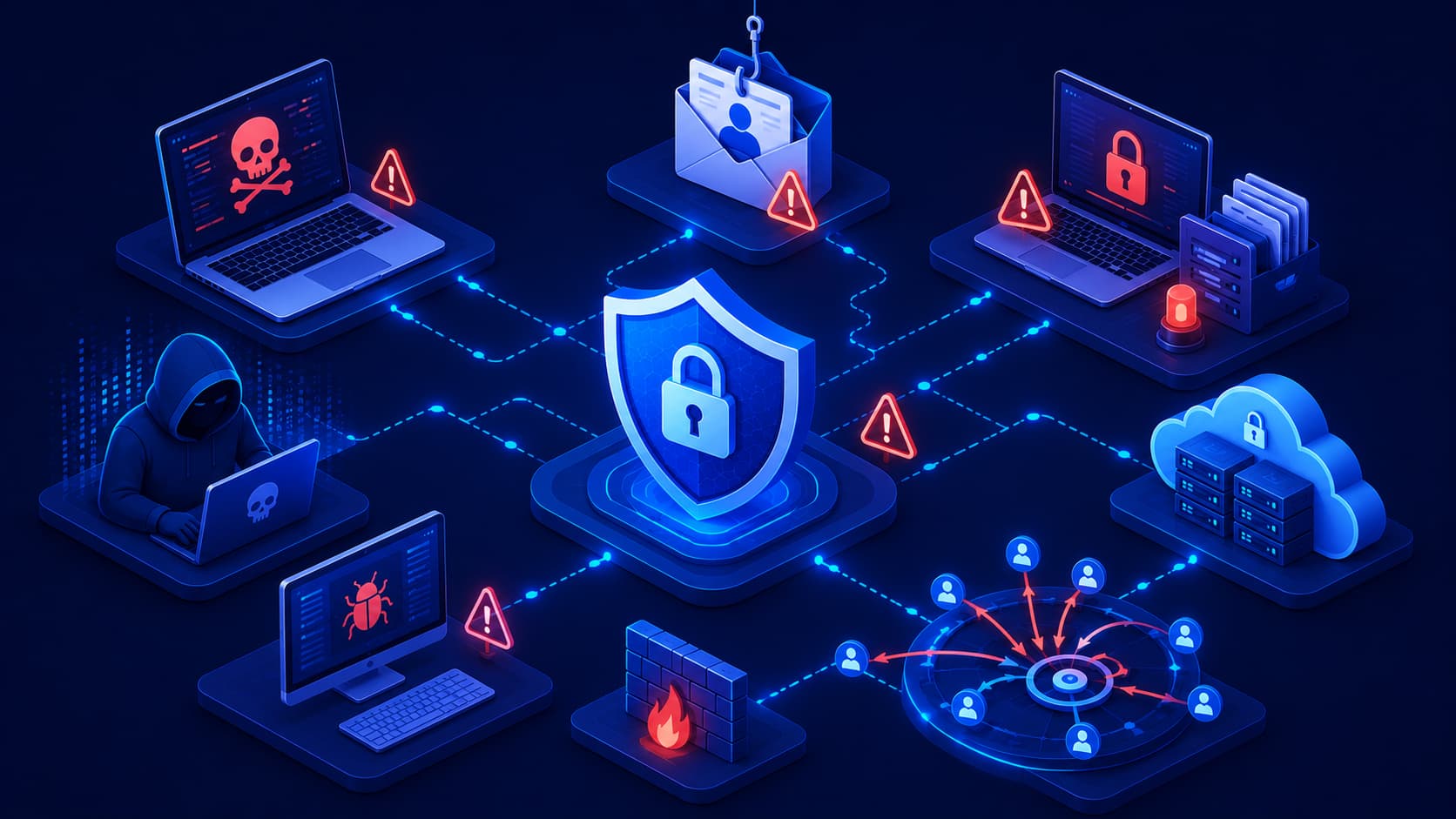
Cybercriminals have developed many ways to steal passwords.
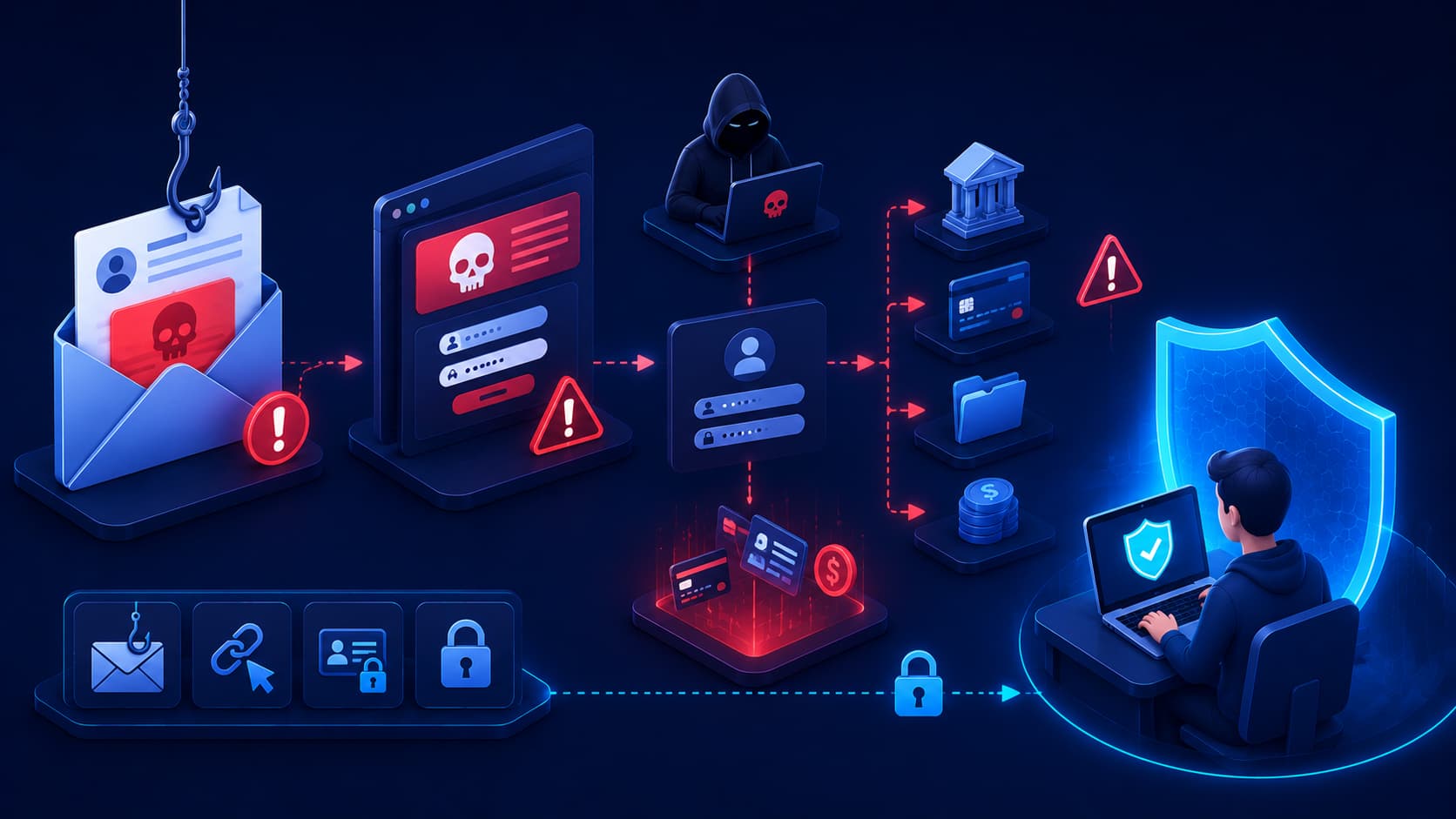
Phishing attacks trick people into revealing login credentials.
Data breaches expose millions of usernames and passwords.
Some attackers even use automated tools to test stolen passwords across hundreds of websites in just a few minutes.
The problem isn't always that passwords are weak.
Sometimes they're simply no longer secret.
This is why cybersecurity experts recommend adding another layer of protection.
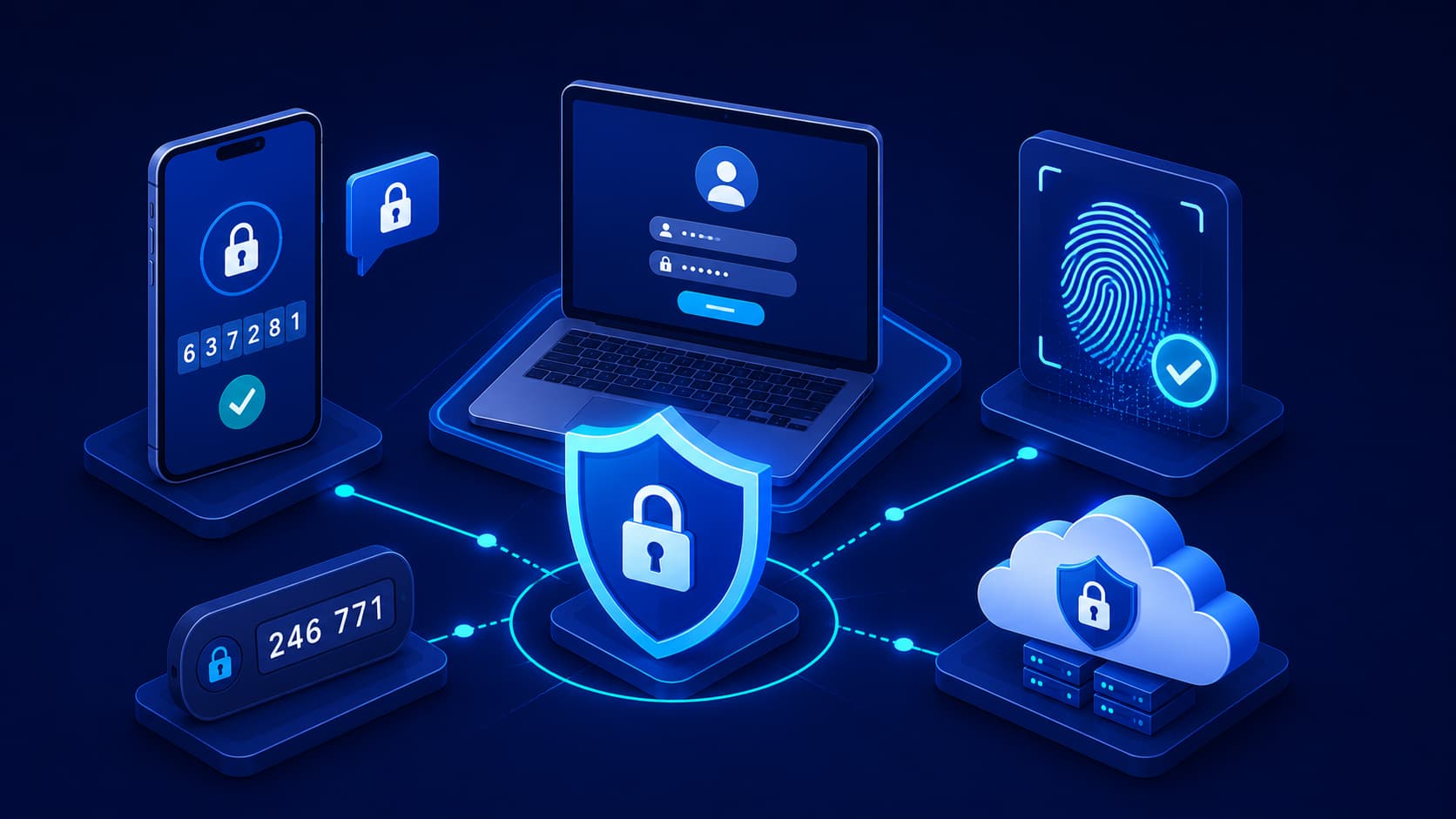
Instead of relying on something you know—your password—you also verify your identity using something you have or something you are.
This approach is known as Multi-Factor Authentication, or MFA.
Even if an attacker discovers your password, they still need the second verification factor before they can access your account.
For this reason, MFA has become one of the simplest and most effective ways to improve online security.
What Is Multi-Factor Authentication?
Multi-Factor Authentication is a security process that requires users to verify their identity using two or more independent authentication factors before gaining access to an account or system.
Instead of asking only for a password, MFA combines different forms of verification.
The idea is straightforward.
If one authentication factor is compromised, the remaining factor—or factors—still help protect the account.
This significantly reduces the likelihood of unauthorized access.
Today, MFA is widely used for email services, banking applications, cloud platforms, social media accounts, online shopping, and workplace systems.
The Three Authentication Factors
Most authentication methods fall into one of three categories.
Something You Know
This is the most familiar authentication factor.
It includes passwords, PINs, or answers to security questions.
Although important, this factor can sometimes be stolen, guessed, or exposed in data breaches.
Something You Have
This factor relies on a physical device that only you should possess.
Examples include a smartphone receiving authentication codes, a hardware security key, or an authentication application that generates one-time passwords.
Even if someone knows your password, they usually can't complete the login process without access to this second factor.
Something You Are
This category uses biometric information.
Fingerprint recognition, facial recognition, and iris scanning are common examples.
Because biometric characteristics are unique to each individual, they're often used as an additional layer of security on smartphones and other modern devices.
How MFA Works
Imagine you're signing in to your email account.
First, you enter your username and password.
Normally, that would be enough.
With MFA enabled, however, the login process isn't finished yet.
The service may send a verification code to your smartphone, ask you to approve a notification in an authentication app, or request your fingerprint before granting access.
Only after completing this additional verification step can you successfully log in.
Although it adds just a few extra seconds, it creates a significant barrier for attackers who only possess your password.
Why Is MFA More Secure Than Passwords Alone?
Passwords remain an important part of account security, but they have one major weakness.
They can be stolen.
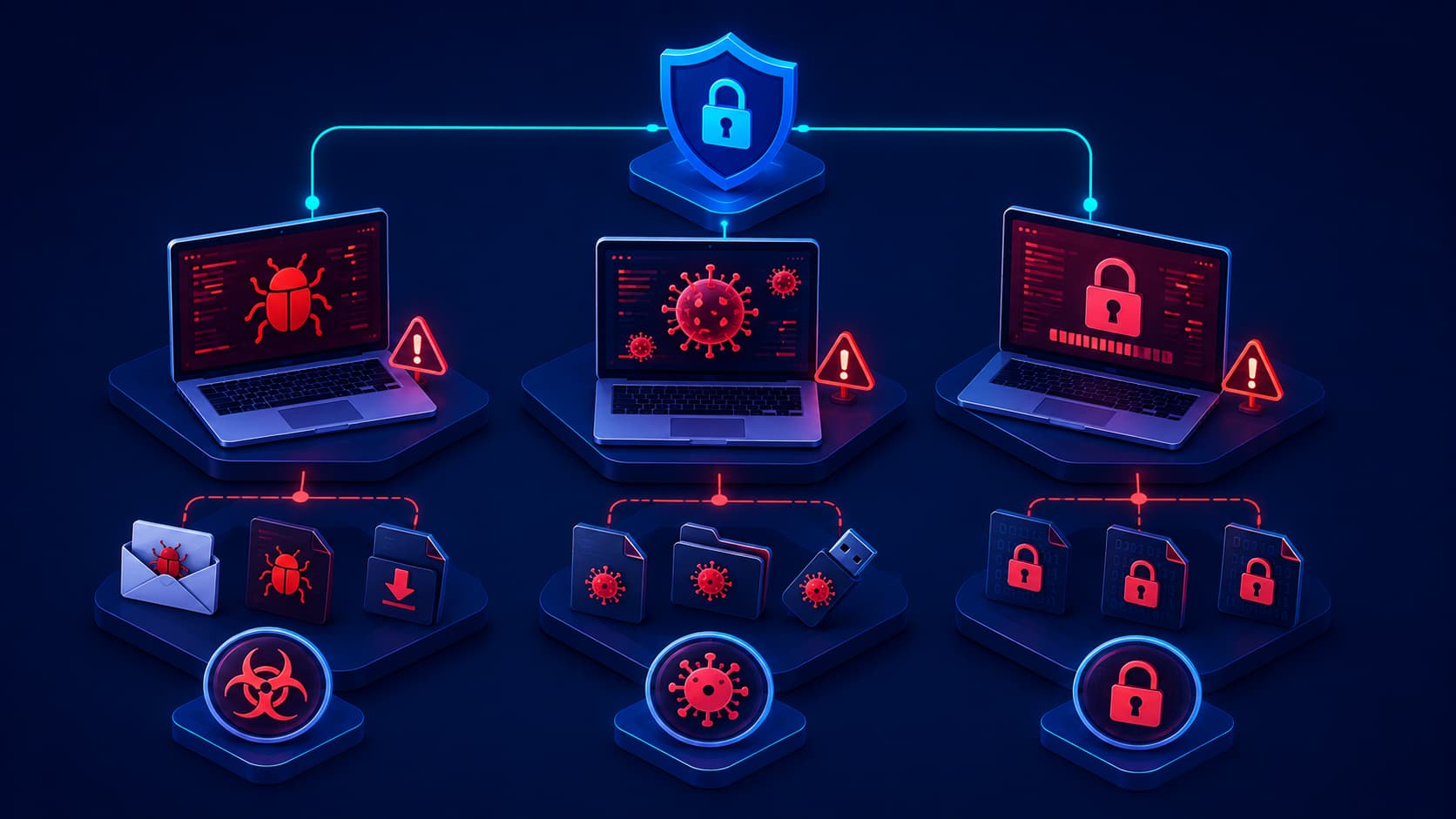
A phishing email, a data breach, malware, or even a reused password from another website can expose your login credentials without your knowledge.
If your account is protected only by a password, an attacker who obtains it may be able to sign in immediately.
MFA changes that.
Even if your password is compromised, the attacker must also provide a second authentication factor before access is granted.
Without your phone, hardware security key, or biometric verification, the login attempt is likely to fail.
This additional layer of protection dramatically reduces the risk of unauthorized access.
Common Types of MFA
Not all multi-factor authentication methods work the same way.
Some provide stronger security than others, but each offers better protection than relying on a password alone.
Authentication Apps
Applications such as Google Authenticator, Microsoft Authenticator, and similar tools generate temporary verification codes that change every few seconds.
Because the codes are created on your device, they're generally more secure than codes sent by text message.
Authentication apps are widely recommended for both personal and business accounts.
SMS Verification Codes
Many online services send a one-time verification code by text message after you enter your password.
This approach is easy to use and widely available.
Although SMS-based MFA provides valuable additional protection, security experts generally consider authentication apps or hardware security keys to be more secure because text messages can sometimes be intercepted through sophisticated attacks.
Push Notifications
Some services send a notification directly to your smartphone asking you to approve or deny a login attempt.
Instead of typing a code manually, you simply confirm that the login is legitimate.
This method is convenient while still providing strong account protection.
Hardware Security Keys
Hardware security keys are small physical devices that connect to a computer or communicate wirelessly during login.
Because authentication depends on possessing the physical key, this method provides one of the strongest forms of MFA currently available.
Many organizations use hardware security keys to protect high-value accounts.
Does MFA Make Accounts Impossible to Hack?
No security measure can guarantee complete protection.
However, MFA significantly increases the difficulty of compromising an account.
An attacker may succeed in stealing a password, but obtaining the second authentication factor is usually much more difficult.
Cybercriminals have developed techniques that attempt to bypass MFA, such as advanced phishing attacks designed to capture authentication codes in real time.
These attacks are far less common than ordinary password theft and often require considerably more effort.
For most users, enabling MFA remains one of the most effective steps they can take to improve account security.
Which Accounts Should Use MFA?
Ideally, every important online account should have MFA enabled whenever it's available.
Some accounts deserve even greater priority.
These include:
- Email accounts
- Online banking and financial services
- Cloud storage
- Password managers
- Social media accounts
- Business applications
- Developer platforms
- Government services
Protecting your email account is especially important because it often serves as the recovery method for many other online accounts.
Best Practices for Using MFA
Simply enabling MFA is an excellent first step, but following a few additional practices can improve your security even further.
Choose an authentication app instead of SMS whenever possible.
Keep backup recovery codes in a secure location in case you lose access to your authentication device.
Review your trusted devices periodically and remove devices you no longer use.
Be cautious when approving authentication requests.
If you receive an unexpected verification prompt, deny the request immediately and change your password.
MFA protects your account, but it still depends on users remaining alert to suspicious activity.
Frequently Asked Questions
What is the difference between MFA and 2FA?
Two-Factor Authentication (2FA) is a specific type of Multi-Factor Authentication that uses exactly two authentication factors.
MFA is a broader term that includes two or more authentication factors.
In everyday conversation, the terms are often used interchangeably.
Is MFA difficult to use?
Not at all.
Most authentication methods add only a few seconds to the login process while providing a significant improvement in security.
Which MFA method is the most secure?
Hardware security keys are generally considered the strongest option.
Authentication apps are also highly recommended and provide stronger protection than SMS verification codes in many situations.
Should I enable MFA on personal accounts?
Yes.
Personal email, banking, cloud storage, and social media accounts often contain valuable information that cybercriminals may try to access.
What happens if I lose my phone?
Most online services provide recovery methods such as backup codes or alternative authentication options.
It's important to save these recovery methods when setting up MFA.
Conclusion
Passwords are still an important part of online security, but they are no longer enough on their own.
Data breaches, phishing attacks, and credential theft have shown that even strong passwords can eventually be compromised.
Multi-Factor Authentication adds an additional layer of verification that makes unauthorized access much more difficult.
By combining something you know with something you have or something you are, MFA provides stronger protection for both personal and business accounts.
Whether you're protecting your email, online banking, cloud storage, or workplace systems, enabling MFA is one of the simplest and most effective cybersecurity improvements you can make.